Why Your Desk Job Is Hurting Your Back
Sitting for eight or more hours a day puts significant stress on your spine — especially when your workstation isn’t set up properly. Over time, poor posture leads to muscle imbalances, joint stiffness, and chronic pain that can affect your productivity, sleep, and quality of life.
The good news is that small changes to how you sit, stand, and move throughout the day can make a big difference. At The Back Clinic, we help patients every day who are dealing with work-related back pain, and prevention is always easier than treatment.
Check Your Workstation Setup
Monitor Position
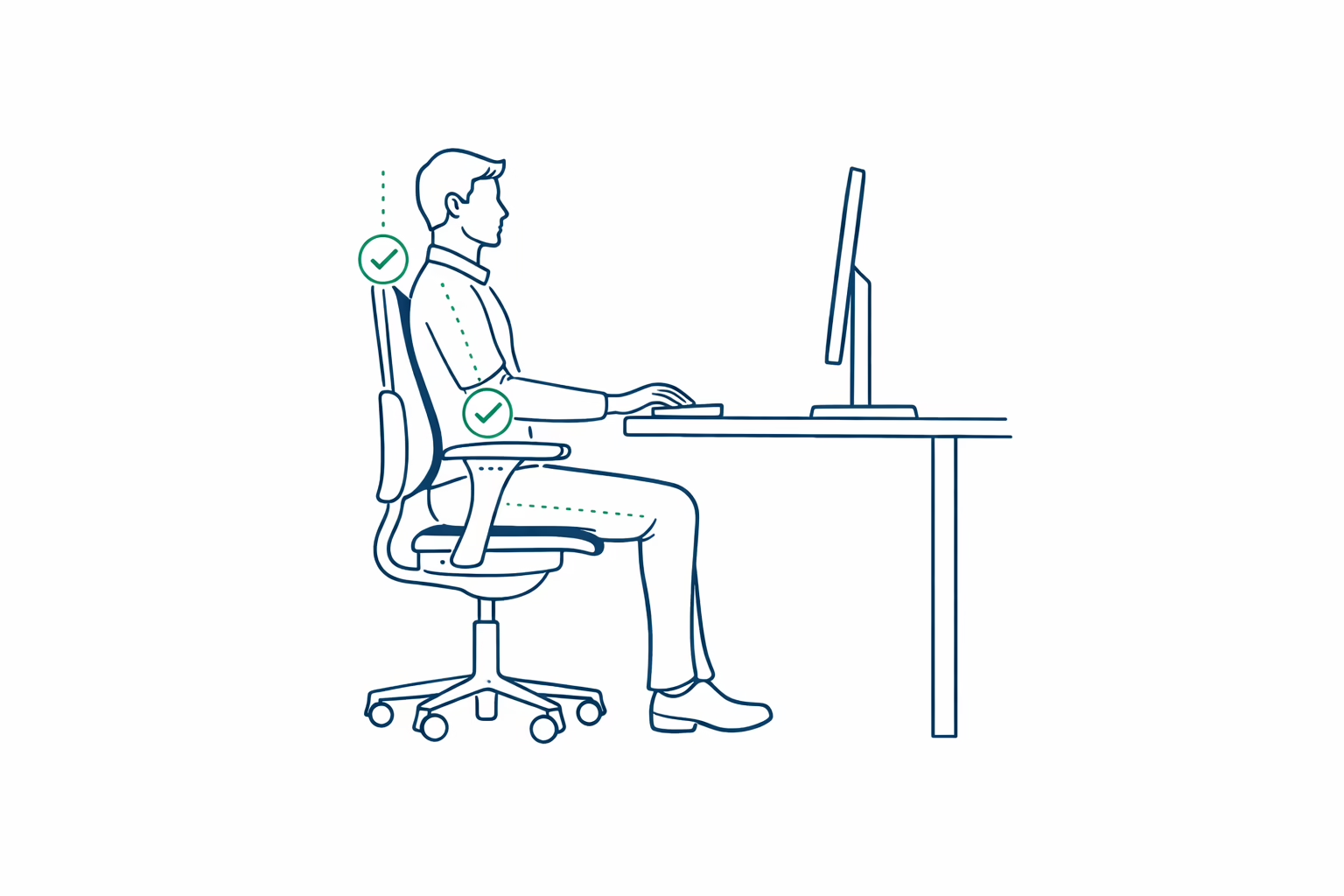
Your screen should be at arm’s length away, with the top of the monitor at or slightly below eye level. If you’re looking down at a laptop all day, consider a laptop stand or external monitor. Looking down for hours puts enormous strain on your neck and upper back.
Chair Height
Your feet should be flat on the floor with your knees at roughly a 90-degree angle. If your chair is too high, use a footrest. Your hips should be level with or slightly higher than your knees — sitting too low increases pressure on your lower back.
Keyboard and Mouse
Your elbows should be bent at about 90 degrees with your forearms roughly parallel to the floor. Your wrists should be in a neutral position — not angled up or down. If your keyboard is too high, you’ll unconsciously raise your shoulders, creating tension in your upper trapezius muscles.
Lumbar Support
Your lower back has a natural inward curve, and your chair should support it. If your chair doesn’t have built-in lumbar support, a small rolled towel or lumbar cushion placed at the small of your back can help maintain this curve and reduce strain.
Build Better Habits
Take Movement Breaks
No posture — even a perfect one — is meant to be held for hours. Set a timer to stand up and move for at least two minutes every 30–45 minutes. Walk to a colleague’s desk instead of sending an email. Take phone calls standing up. These micro-breaks keep your muscles active and prevent stiffness from setting in.
Practice the 20-20-20 Rule
Every 20 minutes, look at something 20 feet away for 20 seconds. This reduces eye strain, which in turn reduces the tendency to lean forward toward your screen — a common driver of neck and upper back pain.
Strengthen Your Core
Your core muscles — not just your abs, but also your deep spinal stabilizers — are responsible for supporting your posture. Simple exercises like planks, bird-dogs, and bridges done a few times per week can significantly improve your ability to maintain good posture throughout the day.
When to Seek Help
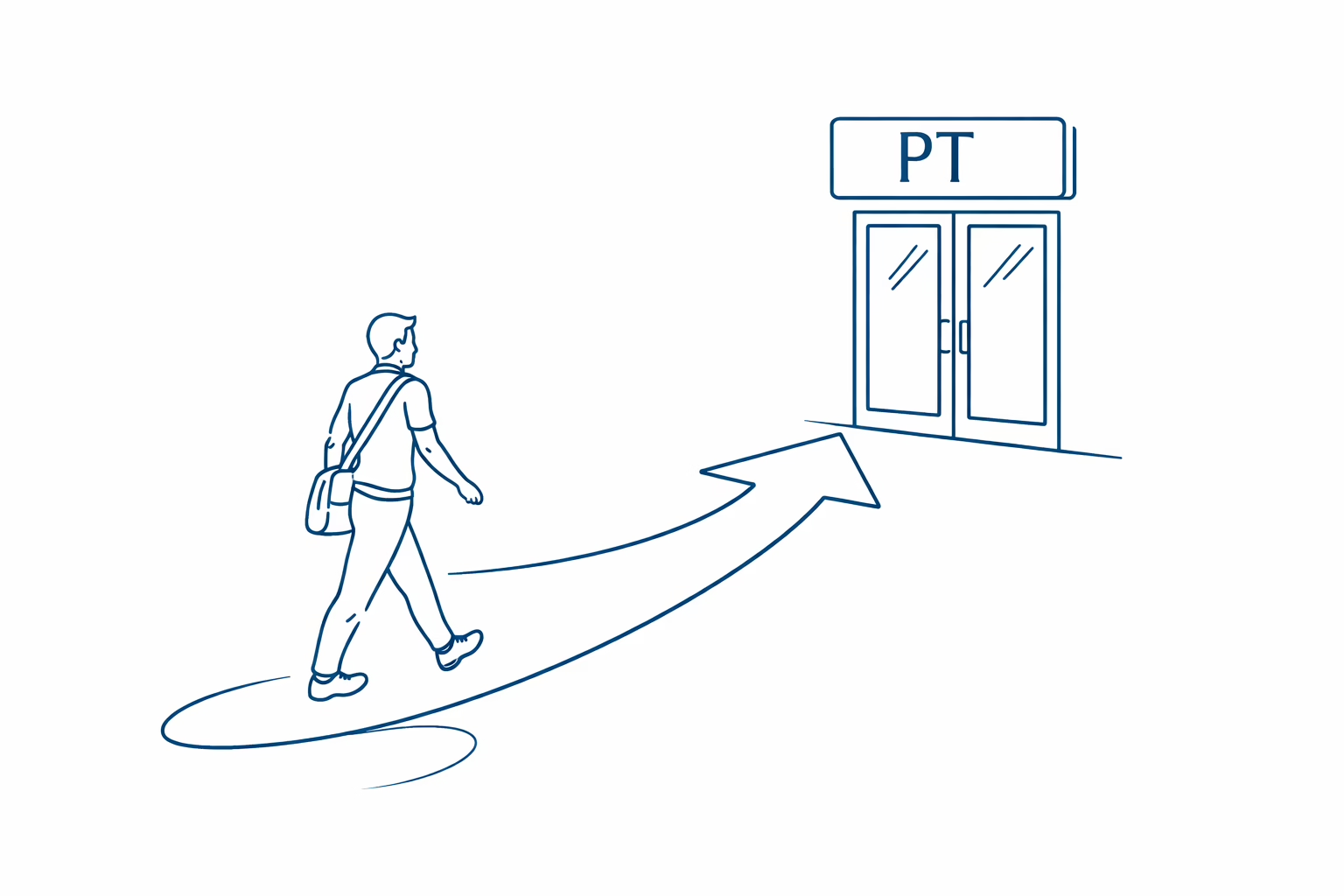
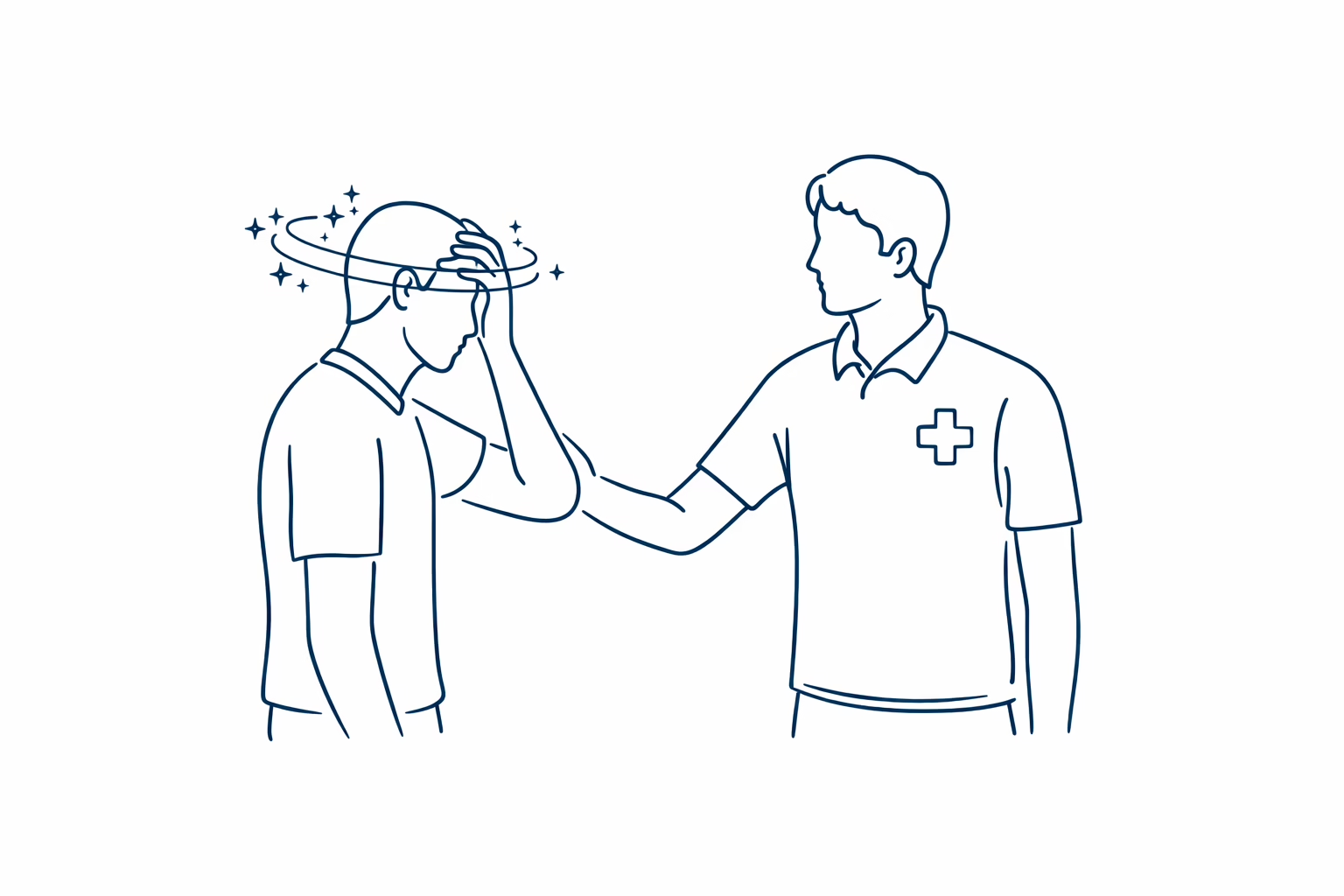
If you’ve adjusted your workstation and improved your habits but still experience persistent back pain, it may be time to see a physical therapist. Underlying issues like disc problems, joint dysfunction, or significant muscle imbalances may need professional attention.
At The Back Clinic, we also offer ergonomic assessments to evaluate your specific work setup and identify issues you may not notice on your own.
Need an Expert Opinion?
Whether you’re dealing with existing pain or want to prevent it, we can help. Call The Back Clinic at (302) 998-4477 or schedule your evaluation online.